skip to main |
skip to sidebar
I know there are some "purists" (see "snobs") out there who refuse to do any post-processing on their work, claiming that any editing ruins what the scene really looked like, or is dishonest about portraying the photo, or any other number of pretentious reasons. Today I went to the zoo, and after editing one of my "keepers," it really drove home the point that editing can have a HUGE impact on the quality of a photo.
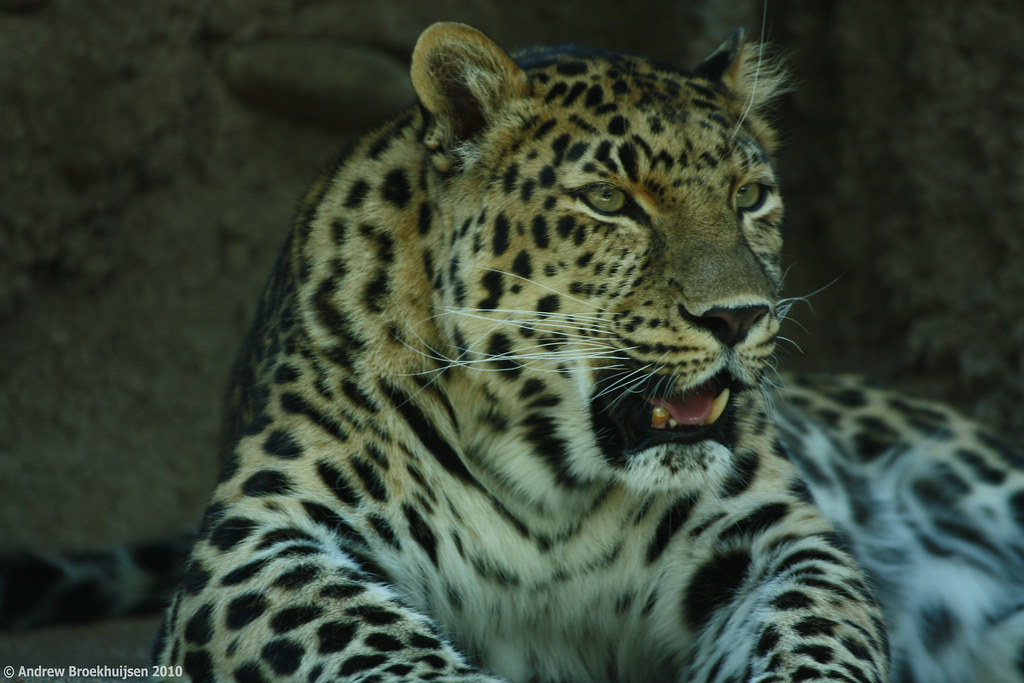
This isn't to say I support over-editing. There's definitely a line, and all too many people cross it. But those purists would have ended up with a shot looking like this, even if they were using regular (daylight balanced) film:

click to enlarge, or see it on Flickr
Aperture: f/5.6
Shutter Speed: 1/60
ISO: 200
Focal Length: 300mm
Monopod
Granted, it's not too bad of a shot. But the evidently fluorescent bulbs used to light the habitat gave off a pretty greenish tint which was very apparent with the white-balance set to "daylight." Also, because it was a moving subject and I didn't have time to make EV adjustments between shots, I underexposed by a bit.
Between fixing those things and other regular optimizations I do to every photo in Lightroom, I ended up with this:

click to enlarge, or see it on Flickr
Aperture: f/5.6
Shutter Speed: 1/60
ISO: 200
Focal Length: 300mm
Monopod
It's just a better photo now, thanks to regular editing techniques. Now for this photo, I actually took it a step further and cast the whole thing in a strong monochrome blue with added contrast to make it really punchy.

click to enlarge, or see it on Flickr
Aperture: f/5.6
Shutter Speed: 1/60
ISO: 200
Focal Length: 300mm
Monopod
In this case, I think this more extreme treatment works for the photo. However, it's somewhere on the line of "too much post-processing." I'm okay with that as I have a "regular" version to call the photo. This isn't so much a photo as a creative manipulation of a photo. I wouldn't say either of the two images is "better," they're just different.
Feel free to share your own thoughts on post-processing in the comments.
Also, for those of you who noticed/cared, I did switch the links on the images back to a large version of the photo rather than a full-res version. If you want to view the full-res version, just go to it via my Flickr link.
While shooting a redux still life a couple of days ago, I found out something that has rocked my photography world. It may sound obvious to you more seasoned photographers out there, but it has completely changed the way I think of this kind of photography:
When you're the guy setting up objects for the shot, you get to be the guy controlling the light, too. All of it.
When I put it to words, it sounds like something that should be followed up with a quick "uh... yeah. Duh." But seriously. I was re-trying the chess piece shot from this post in an attempt to make it better, and it kind of hit me that I wanted to control where the shadows from the chess pieces went. I went and grabbed a portable light that I use in the woodshop and tried a whole bunch of different configurations. It was really fun. Eventually, I decided that this one was the keeper:

click to enlarge, or see it on Flickr
Aperture: f/7.1
Shutter Speed: 1/5
ISO: 100
Focal Length: 33 mm
Tripod
An interesting story about this photo: I tried editing it in the style of my series, Motionless. I absolutely hated what it did to my photo. Something in me strongly objected the to vignette and the tint, to the point that I just couldn't leave it that way. I deleted that version and started over until I got it how I liked it.
So a good day for photography. I learned that controlling the light = win, and that in post-processing, the photo really is the boss.
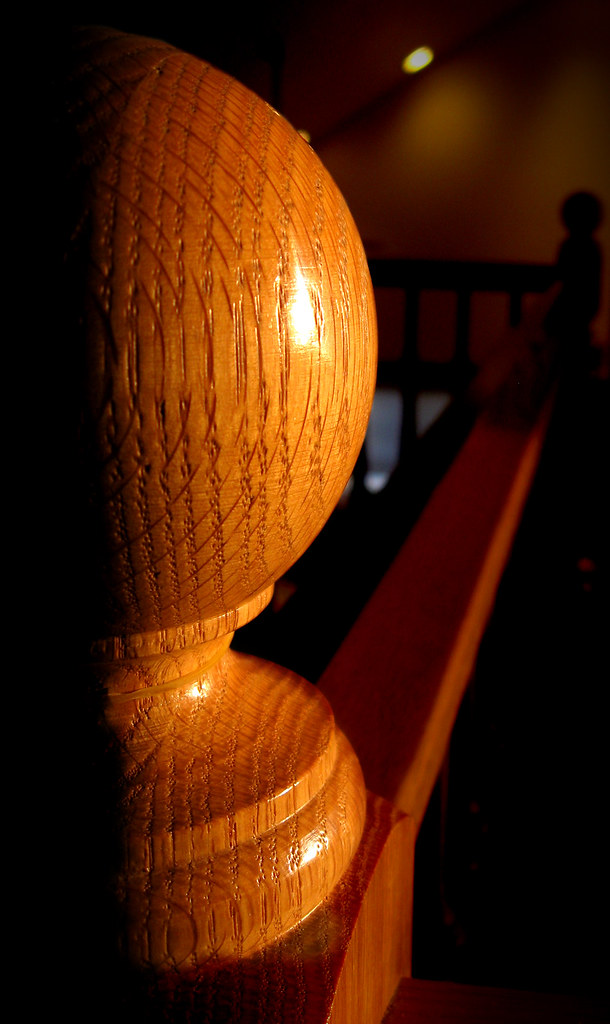
I took this photo yesterday during the sunset, and I liked it okay. The subject was good, but there was a lot of unavoidable clutter in the background. So I cropped it kind of weird to minimize background clutter, and then darkened the background out heavily.

click to enlarge, or see it on Flickr
Aperture: f/2.6
Shutter Speed: 1/30
ISO: 80
Monopod
The side lighting (due to the fact that this was taken at sunset) gives the banister some nice dramatic lighting. I cranked the contrast up in Photoshop a little, but not a lot.
To darken the background, I just masked out the parts I wanted to keep at original brightness using Quick Mask mode and a relatively hard brush, then duplicated the selected area into its own layer. It wasn't perfect; if you look at the top right "corner" area of the base (below the large sphere part), you'll notice some odd ghosting that happened from using too soft of a brush in that area.
Once I duplicated out the foreground, I really took down the darkness on the rest of the photo (in the original layer). Then I flattened and added a vignette.
Pretty easy, but I'm happy with how it turned out.
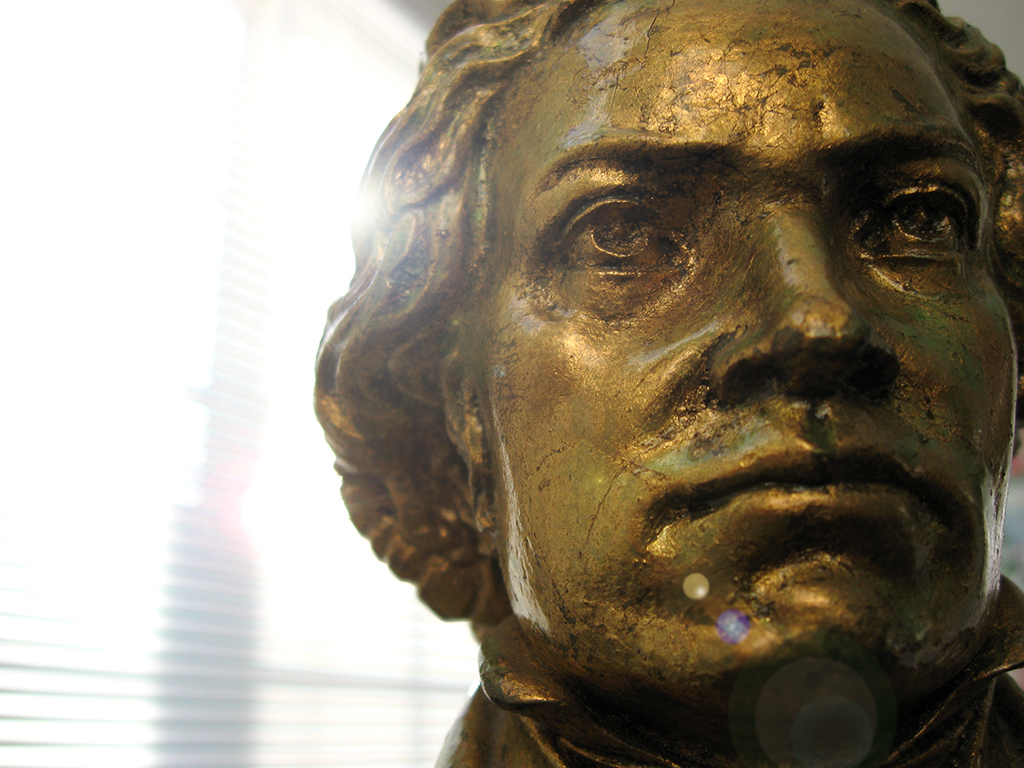
Yesterday I showed you that new extreme post-processing method I discovered. Well I've been playing with it a lot, but I'm still not so sure how I feel about it. I have an image I took three days ago. Before I discovered this new post-processing method, I would have ended with a final image something like this.

click to enlarge, or see it on Flickr
Aperture: f/2.6
Shutter Speed: 1/250
ISO: 80
Handheld
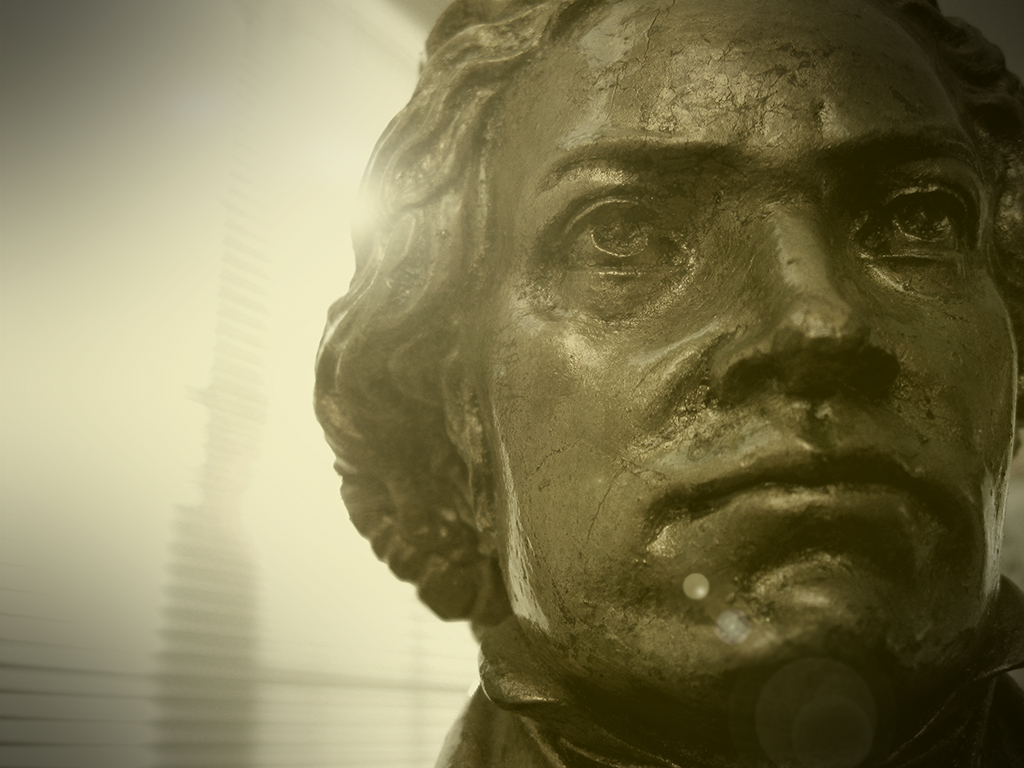
Decent. But I tried out the new method on it, this time casting it a slightly darker shade of gold, and using a less subtle bokeh texture, and a slightly harder vignette.

click to enlarge, or see it on FlickrSame exposure details as above
Every time I look at the two, I change my mind about which one I like better. On the one hand, the first one is definitely a more natural look. But the second one captures the feel of the photo more effectively in my eyes.
I like playing with this effect, but I don't like the idea of all my future photography being treated like this. I'm worried about crossing the already dubious line between "photography" and "post-processing art," if that makes any sense.
Help me untangle my thoughts here. First off, which do you like better? Second, why? Does this feel like homework? Sorry. I need your help.
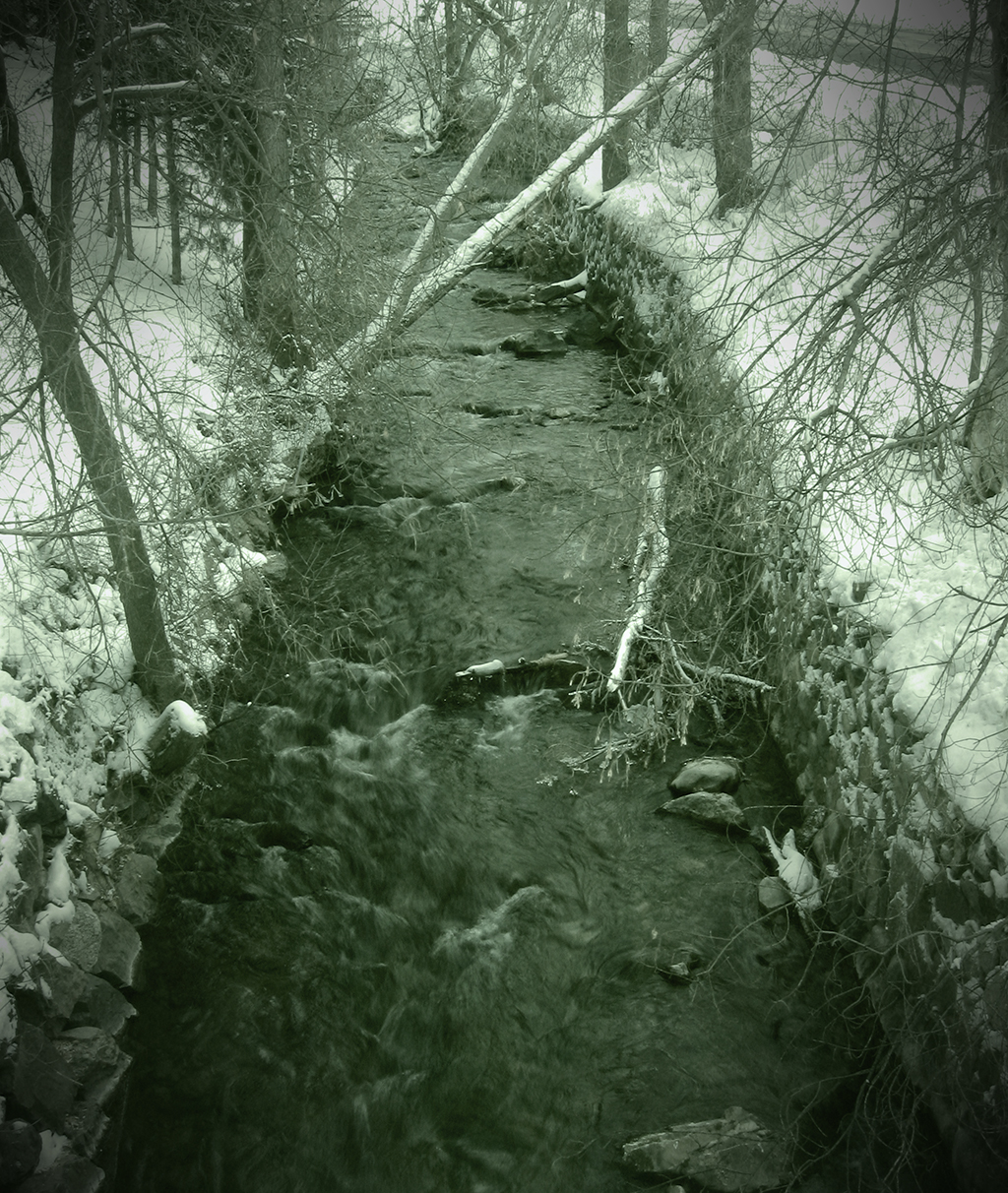
I went up the canyon near my house a couple days ago, and was able to snap one keeper before Mother Nature forced me back into the safety of my heated car. Having read about some cool post-processing tricks earlier, I decided to try one out. Quite frankly, it was more because I wanted to try the new technique out than because I thought it would look particularly good on this specific photo, but I'm pretty happy with the result.

click to enlarge, or see it on Flickr
Aperture: f/8
Shutter Speed: 1/8
ISO: 80
Handheld
When I first took the photo, I wasn't thinking with post-processing in mind, which actually led to some problems down the road. I wanted to increase the "cold" feel of the picture, so I shot with Tungsten white-balance. This added a lot of blue, but when I got it onto the computer, it looked kind of fake.
To get the effect, here are the steps I took in Photoshop.
1. Duplicate background layer.
2. B&W second layer with a Channel Mixer mask layer.
3. Put a Solid Color mask layer over at whatever opacity I used. I picked a dark green olive-ish color.
4. Flatten that out so I'm down to two layers again (1 original untouched image, 1 green monochrome).
5. Added a texture to my green monochrome image. It's super subtle. I think I only used 10% opacity.
6. Used the Levels box to remove some of the blue from my background layer. I took out enough that it probably posterized pretty badly, but that was taken care of in the next step.
7. Changed the blending mode on my green monochrome layer to Hue, played with opacity until the colors (olive green and cold blue) mixed to produce the color you see in the image.
8. Flattened, added a vignette.
This technique is really really fluid in that you can play with blending styles, colors, levels, opacity, or even paint-mask out parts of the colors if you want. I didn't even touch the Brightness/Contrast box after the final image was done, though in hindsight, I probably should have.
If you're crazy enough to try this technique (or a similar one), post a link in the comments. I'd love to see your results.